
AI Employees That Integrate with HubSpot, Shopify, and Your Entire Tech Stack
Connect your AI workforce to the tools you already use. No coding required, no complex setup, just seamless automation.
Quick answer
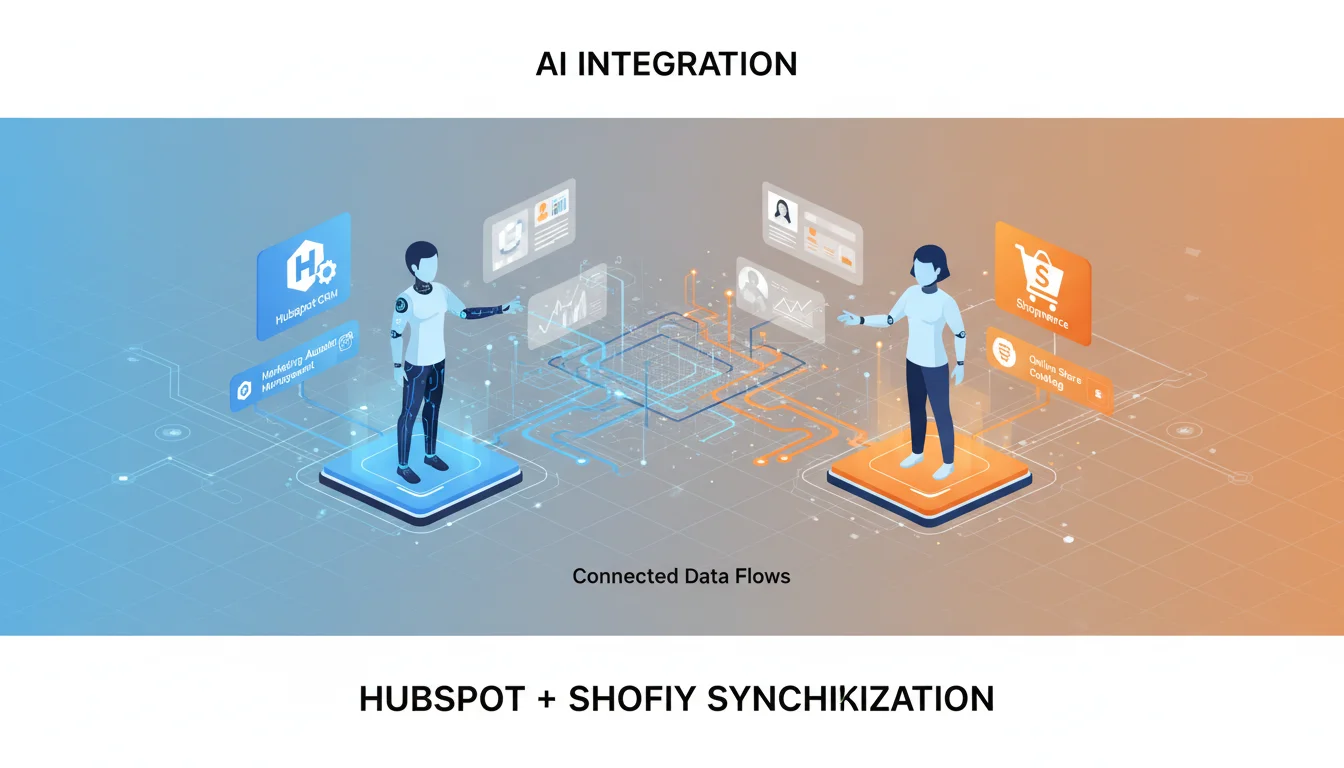
Agentive AI Employees connect directly to HubSpot CRM, Shopify, email systems, social media platforms, and 50+ business tools. They can manage your sales pipeline, process orders, handle customer enquiries, post content, and automate repetitive tasks, all while you focus on growing your business.
The Integration Challenge Every Business Faces
Modern businesses run on dozens of software tools. Your CRM holds customer data, your e-commerce platform processes orders, your email handles communication, and your social media requires constant attention. But these tools rarely talk to each other seamlessly.
The result? Manual data entry, missed follow-ups, delayed responses, and hours spent on tasks that should be automated. Traditional integration solutions like Zapier help, but they still require you to define every workflow manually.
Agentive AI Employees are different. They do not just connect your tools; they understand context, make decisions, and take action across your entire tech stack.
🔶 HubSpot CRM Integration
Your AI Employee becomes your CRM powerhouse. Here is what it can do:
- ✓ Automatic Lead Capture: Scan emails, forms, and enquiries to create contacts with full context and notes
- ✓ Deal Management: Create deals, update pipeline stages, and track opportunities automatically
- ✓ Contact Enrichment: Add notes, associate companies, and maintain detailed customer records
- ✓ Task Creation: Generate follow-up tasks with due dates and assign to team members
- ✓ Reporting: Pull pipeline reports, contact lists, and deal summaries on demand
Example: "Scan my inbox for the last month, identify potential leads, and add them to HubSpot with appropriate notes." Your AI Employee handles it in minutes.
🛒 Shopify E-commerce Integration
Manage your online store with AI-powered efficiency:
- ✓ Product Management: Create, update, and organise products with descriptions, pricing, and inventory
- ✓ Order Processing: View orders, update fulfilment status, and manage shipping
- ✓ Customer Sync: Synchronise Shopify customers with HubSpot CRM for unified customer view
- ✓ Inventory Alerts: Monitor stock levels and notify when products need reordering
- ✓ Discount Codes: Create and manage promotional campaigns
📧 Email Management
Your AI Employee can read, search, and manage your email accounts:
- • Inbox Scanning: Review emails and identify important messages, leads, or action items
- • Search: Find specific emails, conversations, or attachments instantly
- • Drafting: Compose professional responses based on context
- • Follow-up Reminders: Track unanswered emails and prompt for action
- • Lead Extraction: Identify potential customers from enquiries and add to CRM
📱 Social Media Publishing
Maintain your social presence without the manual effort:
- • Twitter/X: Post updates, share content, engage with your audience
- • LinkedIn: Publish professional posts, articles, and company updates
- • Image Creation: Generate visuals for posts using AI image generation
- • Cross-Platform: Post to multiple platforms simultaneously
📄 Document Creation
Professional documents created in seconds:
- • PDF Reports: Generate proposals, summaries, and reports
- • Word Documents: Create contracts, letters, and documentation
- • Excel Spreadsheets: Analyse data, create reports, manage records
- • Presentations: Build PowerPoint slides for meetings and pitches
50+ Integrations and Growing
How It Works
Connect Your Tools
Provide API keys or login credentials. Your AI Employee securely stores them locally, never on external servers.
Give Instructions in Plain English
"Add all leads from this week's emails to HubSpot" or "Create a sales report from Shopify orders". No coding needed.
AI Takes Action
Your AI Employee understands context, navigates between platforms, and completes tasks autonomously.
Ready to Connect Your Business?
Start with an AI Employee that integrates with your existing tools. No disruption, just automation.
Agentive is an Australian AI company helping businesses adopt AI employees that integrate seamlessly with existing tools. Learn more at agentive.au.